

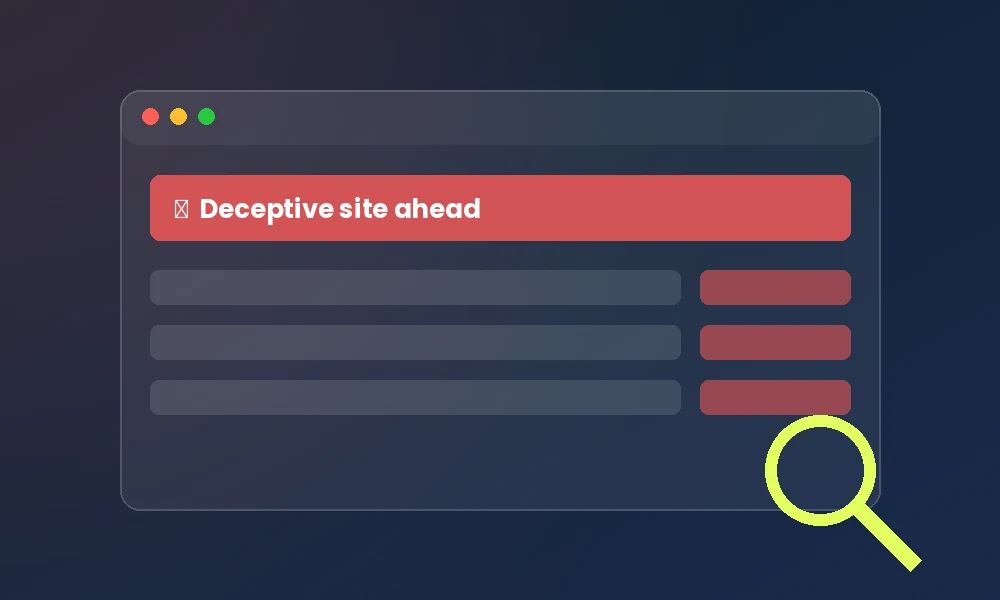
Imagine this: a customer calls and says your website is sending them to a sketchy pharmacy page. Or you Google your own business and see a red “Deceptive site ahead” warning where your homepage used to be. Your stomach drops. Is your website hacked?
If you run a business, finding out a hacker has access to it is a worst-case scenario. At Topsia Website Designs, we clean up compromised WordPress sites all the time, and we know how panic-inducing it is. But take a deep breath. A hacked site isn’t the end of your business, provided the damage is already done. The good news? Once you know what to look for, the warning signs are surprisingly easy to spot.
(Quick note before we start: If you already suspect a hack, take a screenshot of anything unusual and don’t login from a shared public Wi-Fi network. It’s best to have a record of what it looks like right now.)
First, Why Would Anyone Hack a Small Business Website?
A lot of owners assume hackers only go after big companies. The opposite is true. Most attacks aren’t personal — they’re automated bots scanning millions of sites for outdated or hard-to-find vulnerabilities. It’s a bit like a digital thief trying the handle of an unlocked plug-in, weak passwords, and neglect security.
Hackers usually want one of three things: to use your site to send spam, to redirect your visitors to their own scam pages, or to steal customer data. Above all, they don’t want to know who you are. That’s why many small business websites are prime targets.
7 Clear Signs Your Website Is Hacked
Hackers rarely announce themselves, but they leave footprints. If you notice any of these, it’s time to investigate.
- 1. Google flags your site as “Deceptive” or “Not secure”: This is often the first warning sign. If they catch your homepage, Google blocks visitors with a giant red screen. This is a massive trust-killer and signals to everyone that you have a security issue.
- 2. Your site suddenly redirects somewhere else: You type your address and land on a gambling, pharmacy, or adult site (which is common). Malicious redirects are sneaky and sometimes only happen on mobile triggers.
- 3. Strange new pages or pop-ups appear: Your well-structured site map suddenly has a weird post… often in another language — about deals you aren’t publishing on your site.
- 4. Your site is slow, or crashes for no reason: A hacked site is often busy running scripts in the background for the attacker. If your site crawls to a halt and your hosting bandwidth spikes, investigate.
- 5. You can’t log in to your own dashboard: If your admin password suddenly stops working, and the reset email doesn’t arrive, you’re locked out.
- 6. Unknown admin users appear: Check your users list. If there’s an administrative account you don’t recognize, that’s a serious sign of a breach.
- 7. Your hosting provider sends you a warning: Web hosts actively scan for malware. If they notify you, take it seriously and don’t ignore it — they might suspend your account.
What To Do If You Think Your Website Is Hacked
Don’t panic, but act fast. The longer you wait, the more damage is done. Immediate steps you can take to stop the bleeding while you recover:
- Change your passwords immediately: Work quickly through the panic. Reset your WordPress Admin, Hosting Dashboard, and FTP. Use strong, unique passwords for each.
- Put the site into maintenance mode if you can: This stops visitors from landing on malicious content while you sort things out.
- Scan with a security plugin: Tools like Wordfence or Sucuri can scan your site and flag infected files.
- Check for unknown admin users and remove them: This removes the attacker’s ‘backdoor’ if they haven’t locked you out.
- Restore from a clean backup — if you have one: A recent, clean backup is the fastest route back to normal. This is exactly why regular backups matter so much.
- Ask Google to review your site: Once it’s clean, request a review in Google Search Console to remove the ‘Deceptive site’ warning.
If this all sounds overwhelming, you aren’t alone. Cleaning a hacked site safely and ensuring the malware is actually gone can be a complex technical process. Missing a single infected file can undo all your work.
How To Stop It From Happening Again
Cleaning a hacked site is only half the job. The setup of preventing it from happening again. Prevention is far cheaper and less stressful than recovery. Here’s what genuine, proactive website care looks like:
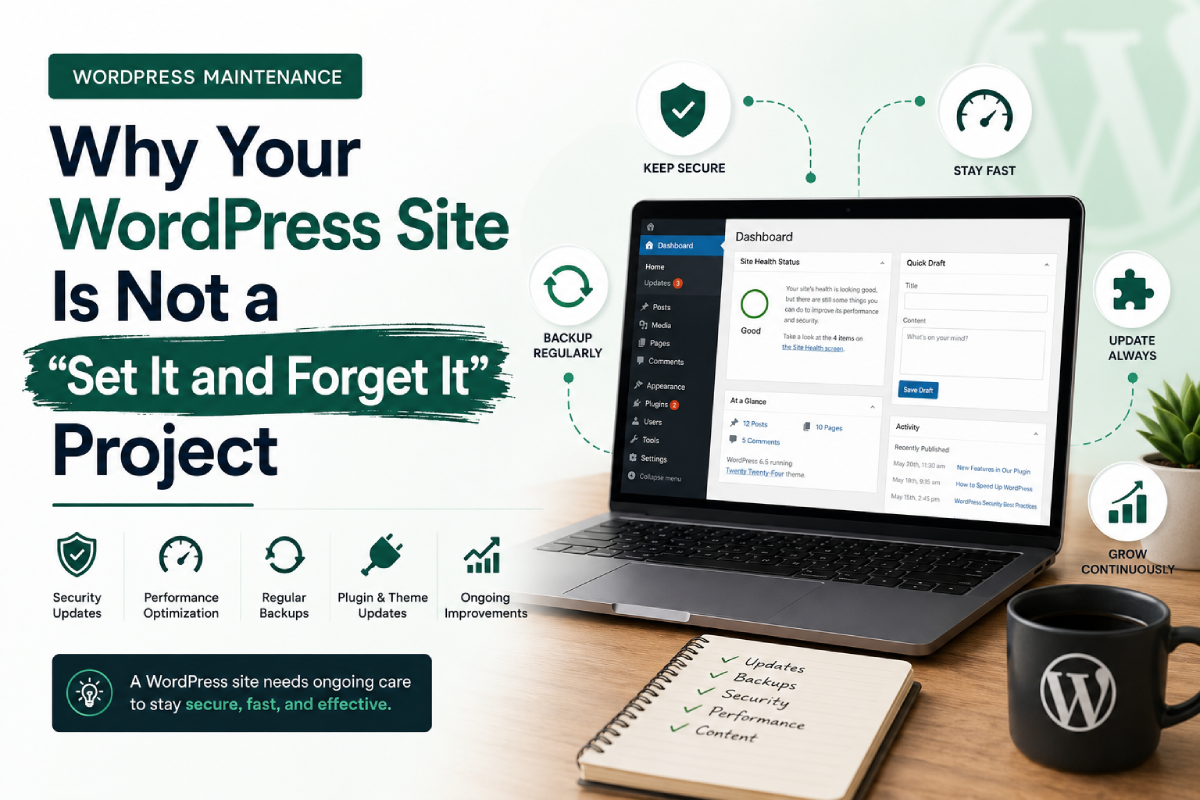
- Keep everything updated: Outdated plugins and themes are the number one way sites get hacked. Updates often patch discovered vulnerabilities.
- Use strong passwords and two-factor login: Avoid “admin” as a username and use a robust password. Add two-factor authentication.
- Run a security plugin and a firewall: These block malicious bots and attacks before they reach your site.
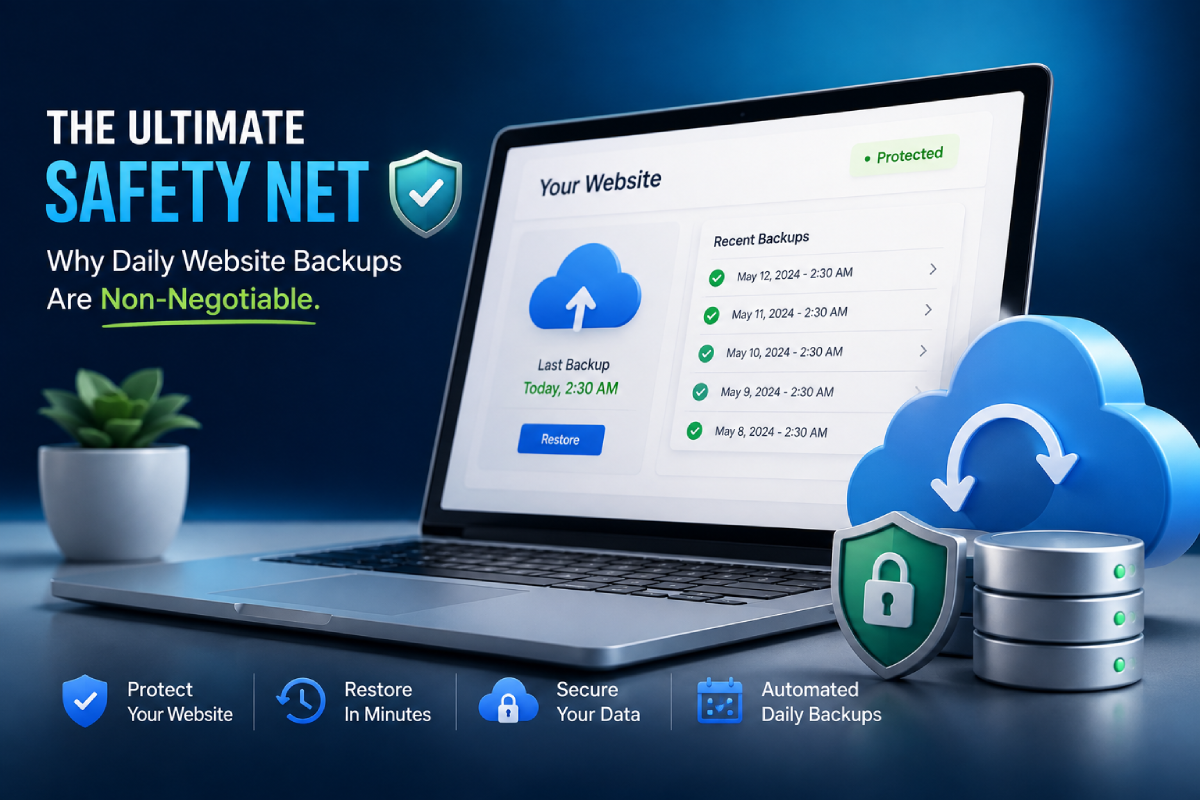
- Take regular, automatic backups: Store them off-site so you always have a clean version to roll back to.
- Limit user access and remove inactive accounts: Give people exactly the access they need.
It’s a lot to handle if you’re trying to run your actual business. That’s why we created Topsia Website Care Plans. We do all of this heavy lifting and more.
Let Us Watch Your Back — So You Don’t Have To
Reading this far means you care about your website. That’s actually a good thing — it means you’re taking it seriously. It’s the hub of your business, and it deserves professional protection.
At Topsia Website Designs, we specialize in cleaning up hacked WordPress sites and rebuilding security so you don’t have to worry. And if you’re already hacked, our website security and protection service will clear the infection, remove the deceptive warnings, and get your site safely back online.
Whether you’re in the middle of a worst-case scenario and need help fast, or you just want to make sure it never happens in the first place, we’ve got your back. Get in touch with us today and let’s keep your business safe, secure, and online.